Pull down to summarize.
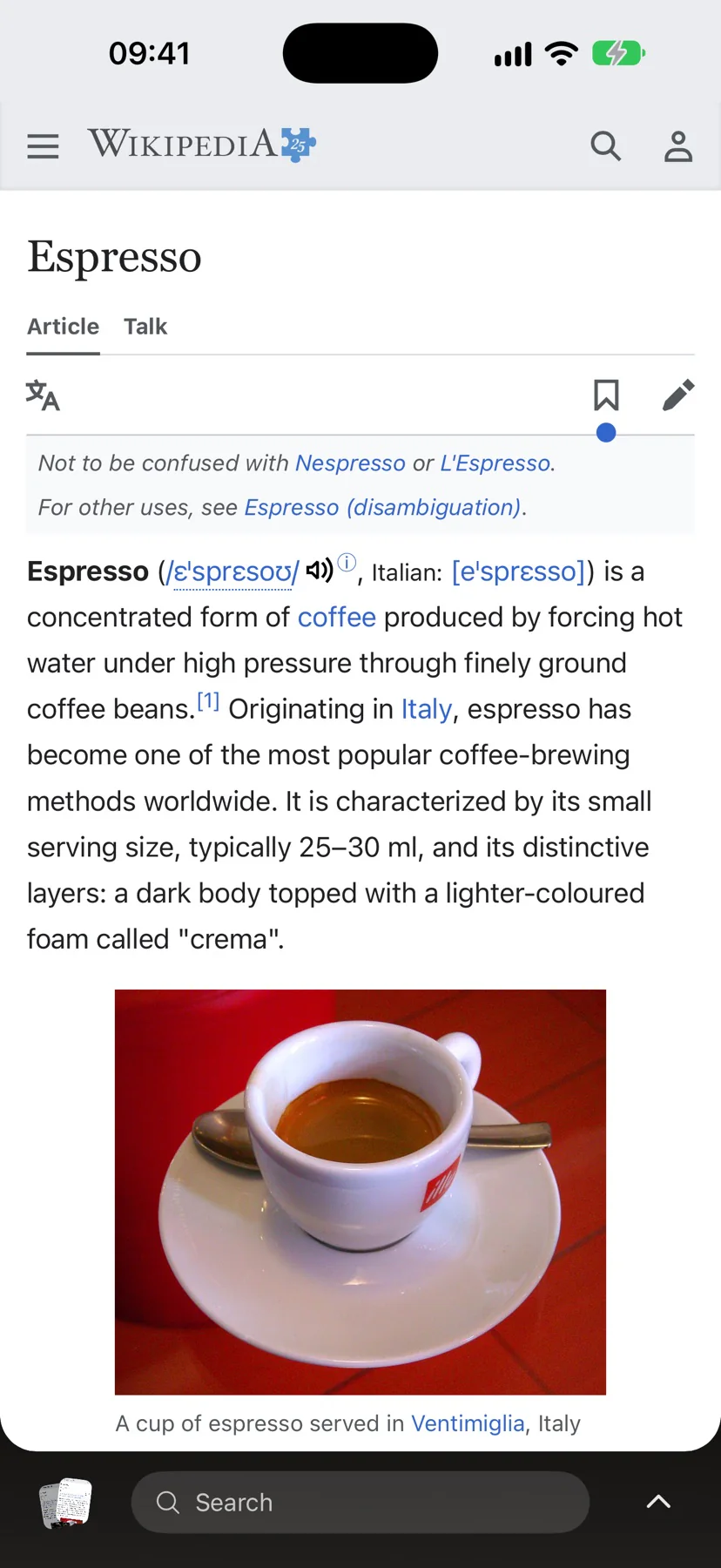
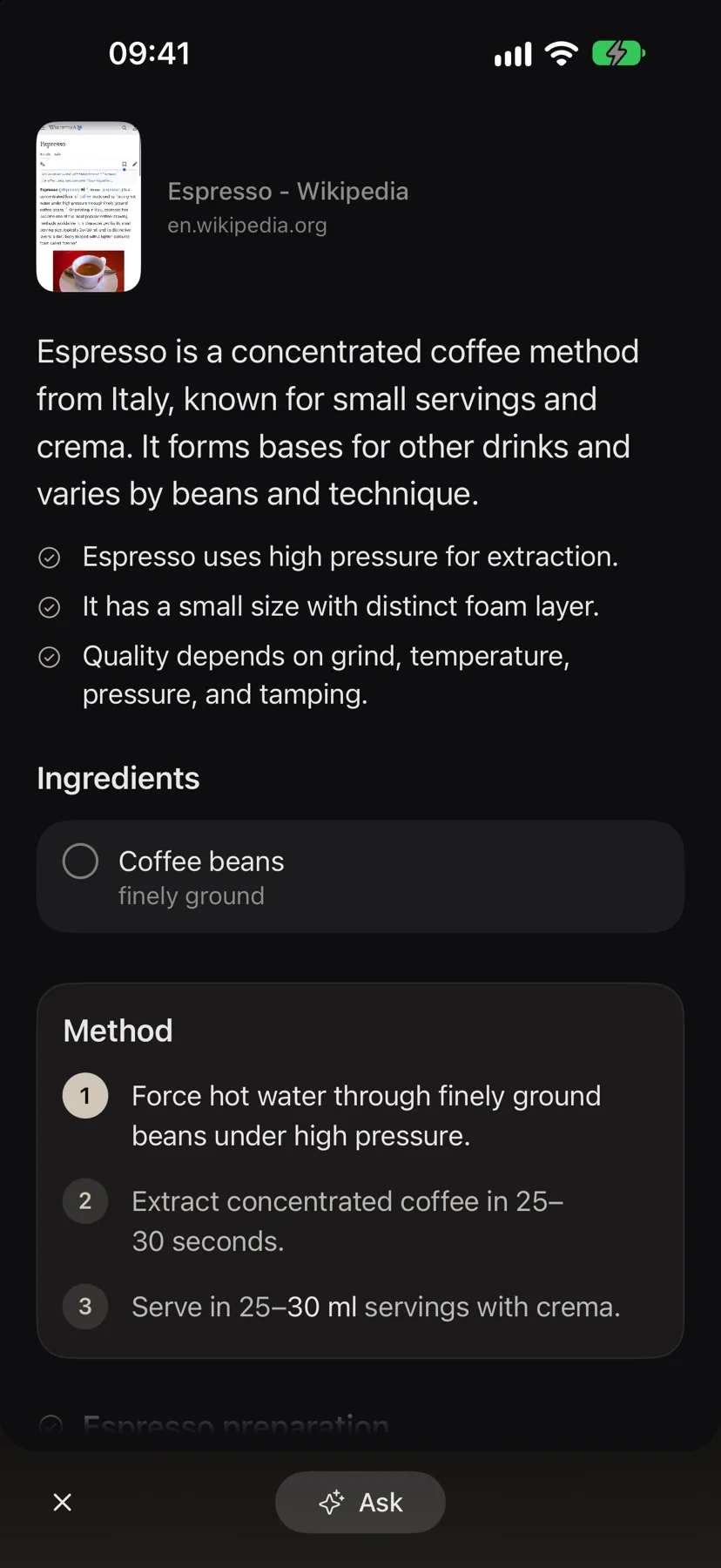
A recipe gets its time, ingredients and steps. A review, its picks side by side. A news story, what happened.
Light, smart and nothing in your way.
Free. iPhone, iOS 27 or later.
Measured in October 2026 on a finished build: opening on iPhone 17 Pro, page load and CPU in the simulator, both sizes from their App Store listings in November 2026. Yours will vary with your iPhone and connection.
Less time is better.
Summaries and answers run on Apple's AI, right on your iPhone. Prefer Claude, ChatGPT or Gemini? Add your own API key.
A recipe gets its time, ingredients and steps. A review, its picks side by side. A news story, what happened.
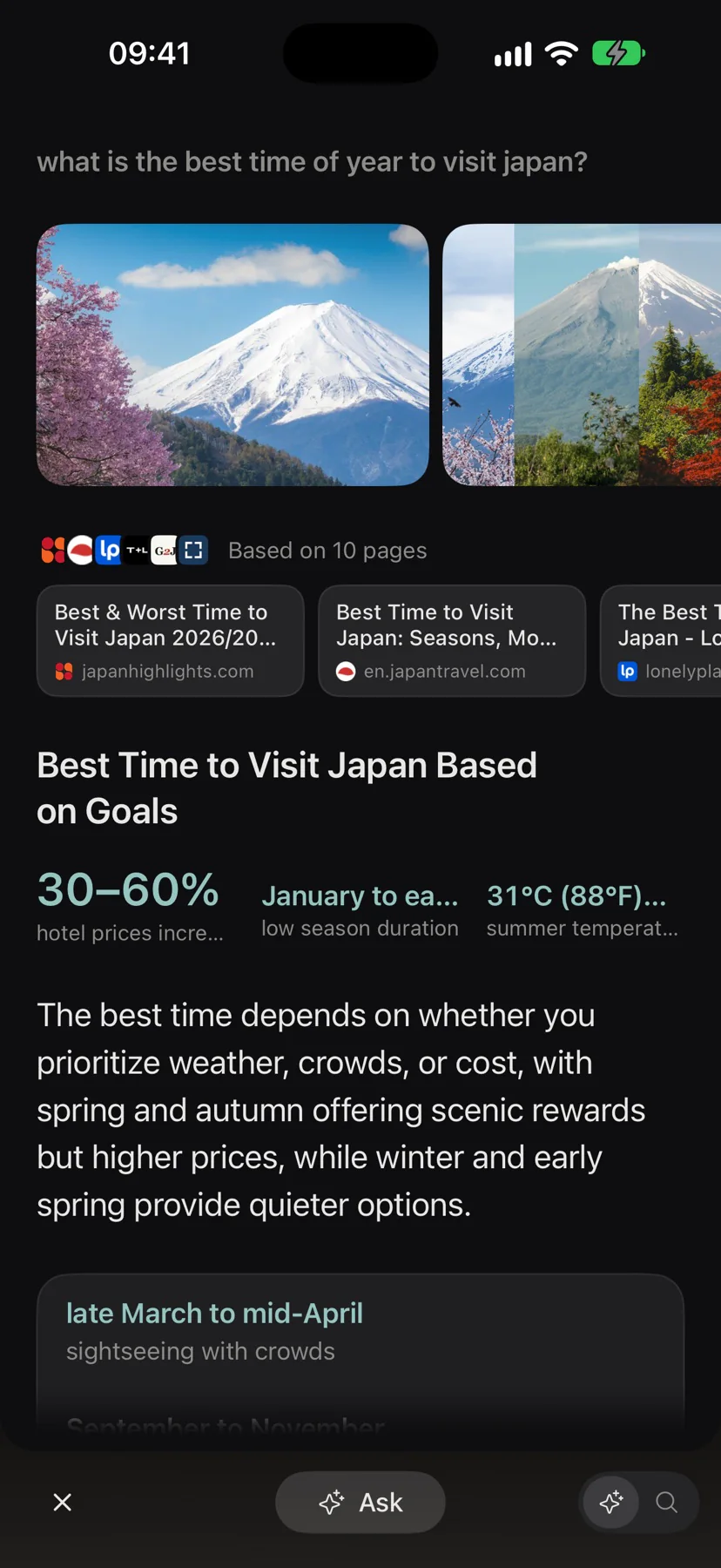
An answer with numbered sources, the best options with their prices, and what to watch out for.
Choose your sites and topics, and bring your newsletters. The page has an end.
What most of them covered leads. The page doesn't move while you read.
12 to read, updated now
One account of what happened, each point marked with its sources. If they really disagree, it says where.
A sleeper service will link the city and the coast every night from May, about five hours each way.
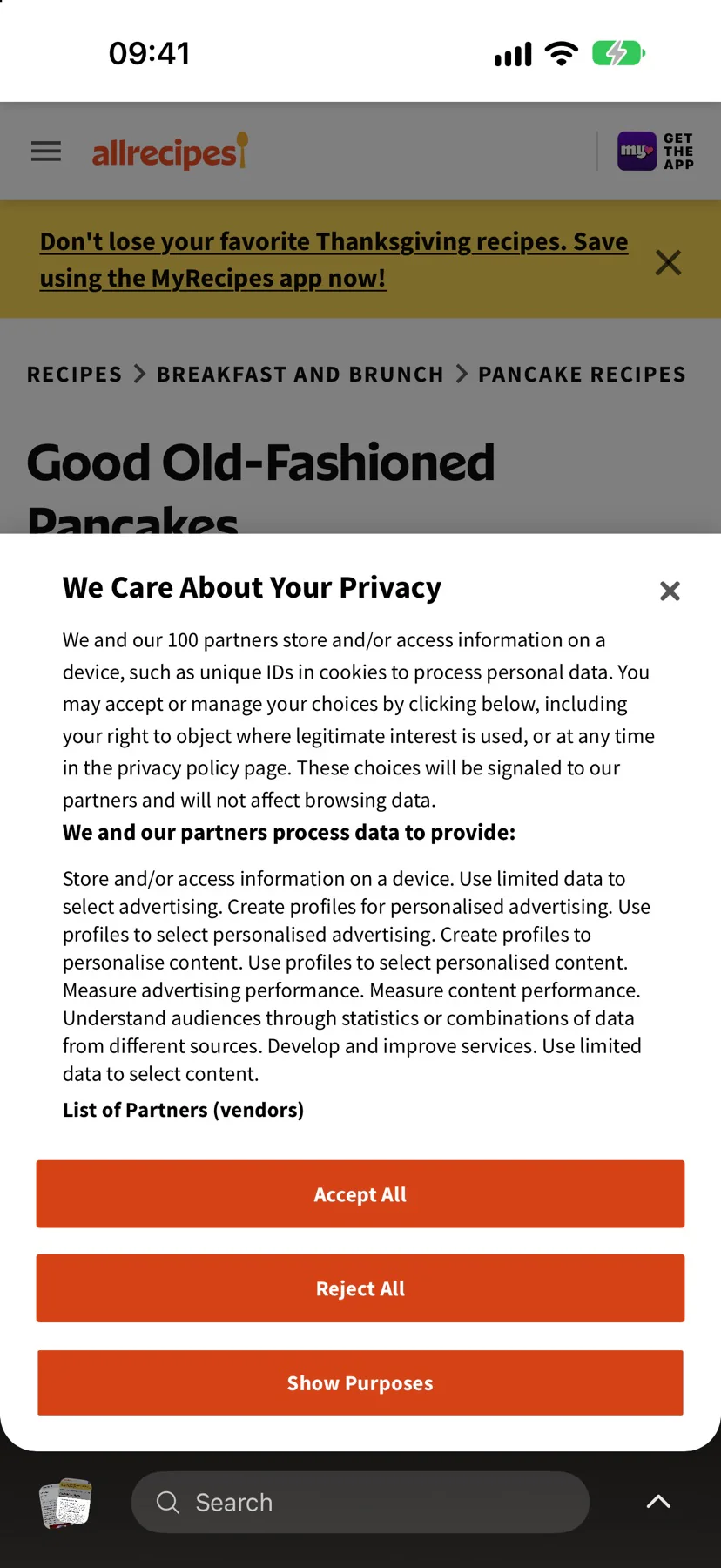
Ads and trackers go before the page draws. Cookie questions get "reject" wherever a site allows it. Newsletter pop-ups stay hidden.
Each of the world's 9,000 most visited sites on the Tranco list, opened once in roko in the simulator on 10 November 2026, a test build of 0.1.5. Of 8,997 pages read, a cookie pop-up was still up on 68, about a third of them other boxes the check counts, and an ad on 82. Yours will vary.
Without roko100 partners want a word first.
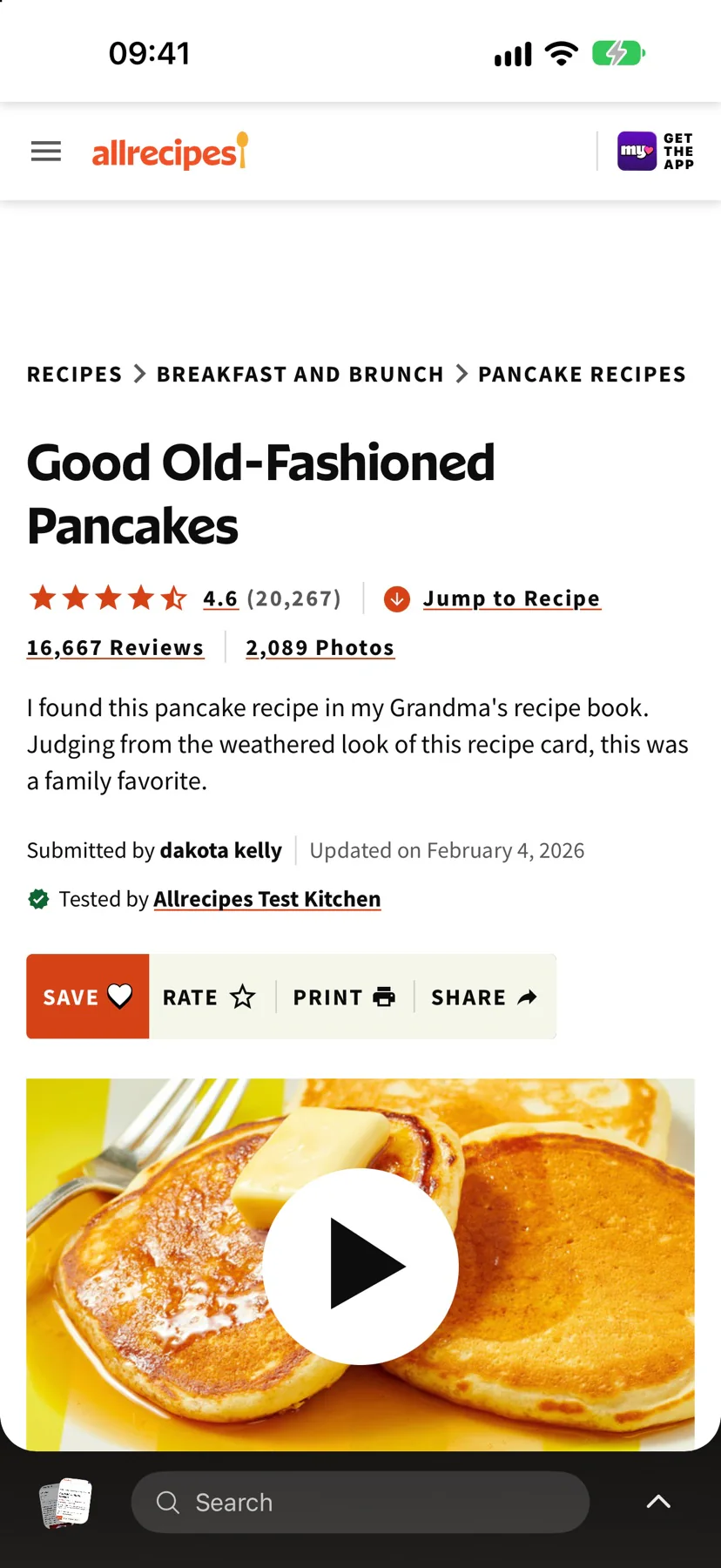
With rokoThe pancakes.
Split View, upright or sideways. Drag the divider to give one page more room.
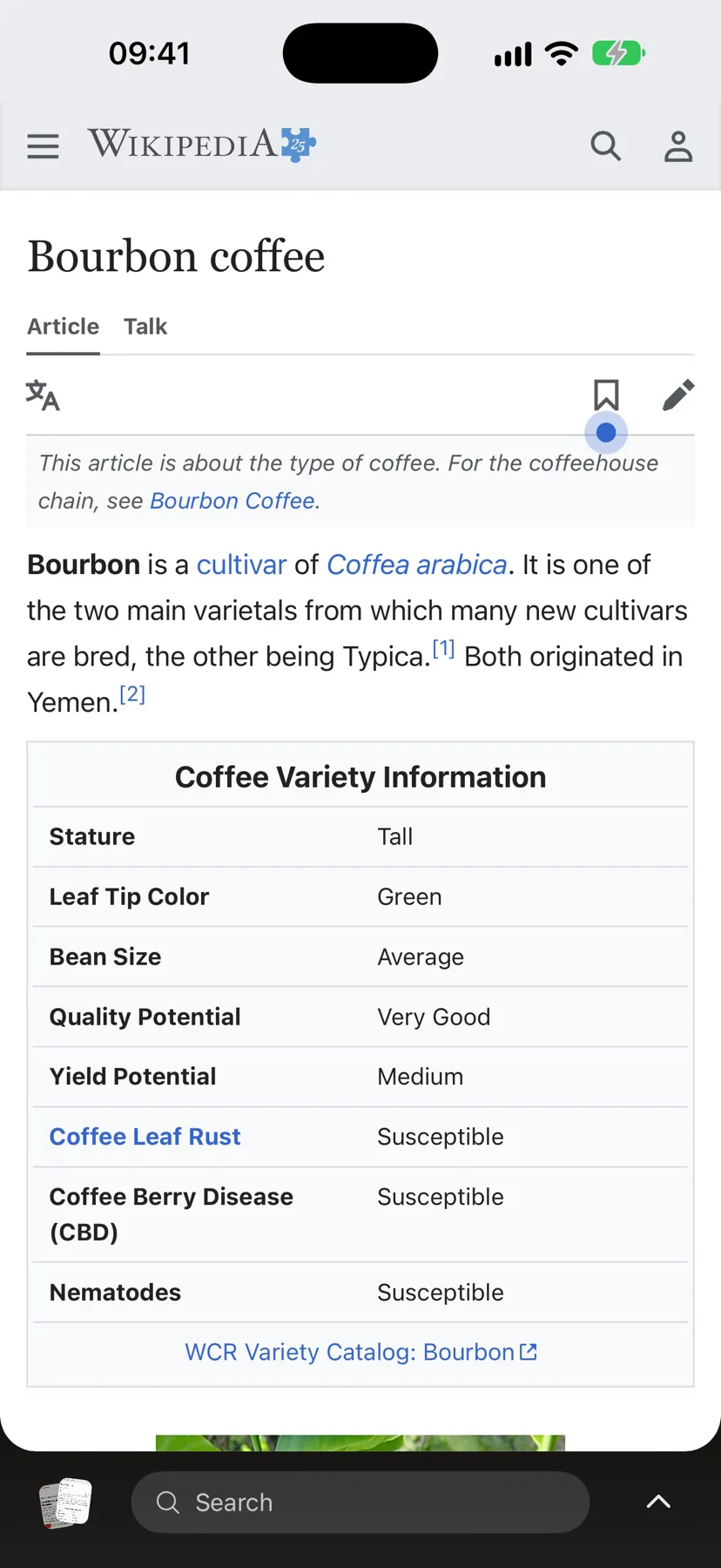
Yes. roko is free on the App Store, with no account and no subscription.
From the App Store on your iPhone. On a computer, the download button shows a code to scan.
There's no account, no ads and no tracking of its own. The privacy policy lists everything that leaves your iPhone.
Any iPhone on iOS 27 or later. Without Apple Intelligence, roko's own free AI writes summaries and answers, up to 30 a day.
Not yet. roko is iPhone only for now.
Yes. Split View parts at the fold, and the controls stay off it. Prop it open like a small laptop and the page stands above, with a trackpad for it below.
Apple's, on your iPhone, with no account. Browse for Me searches the web through DuckDuckGo, reads the pages, then writes its answer on your iPhone too. Where Apple's model can't write well, or on an iPhone without it, open models write through roko's own server, up to 30 times a day.
You can add your own Claude, ChatGPT or Gemini key, and that one writes first. The text goes to Anthropic, OpenAI or Google under your key, and they bill you for it.
Yes. In iOS Settings, go to Apps, Default Apps, Browser App. Saved passwords are suggested for the site you're on, and passkeys work once you allow them in roko's Settings, under Passkeys and sync.
Open the page menu and tap "Ads, trackers and pop-ups blocked". That site goes back to the original, and every other site stays clean.